

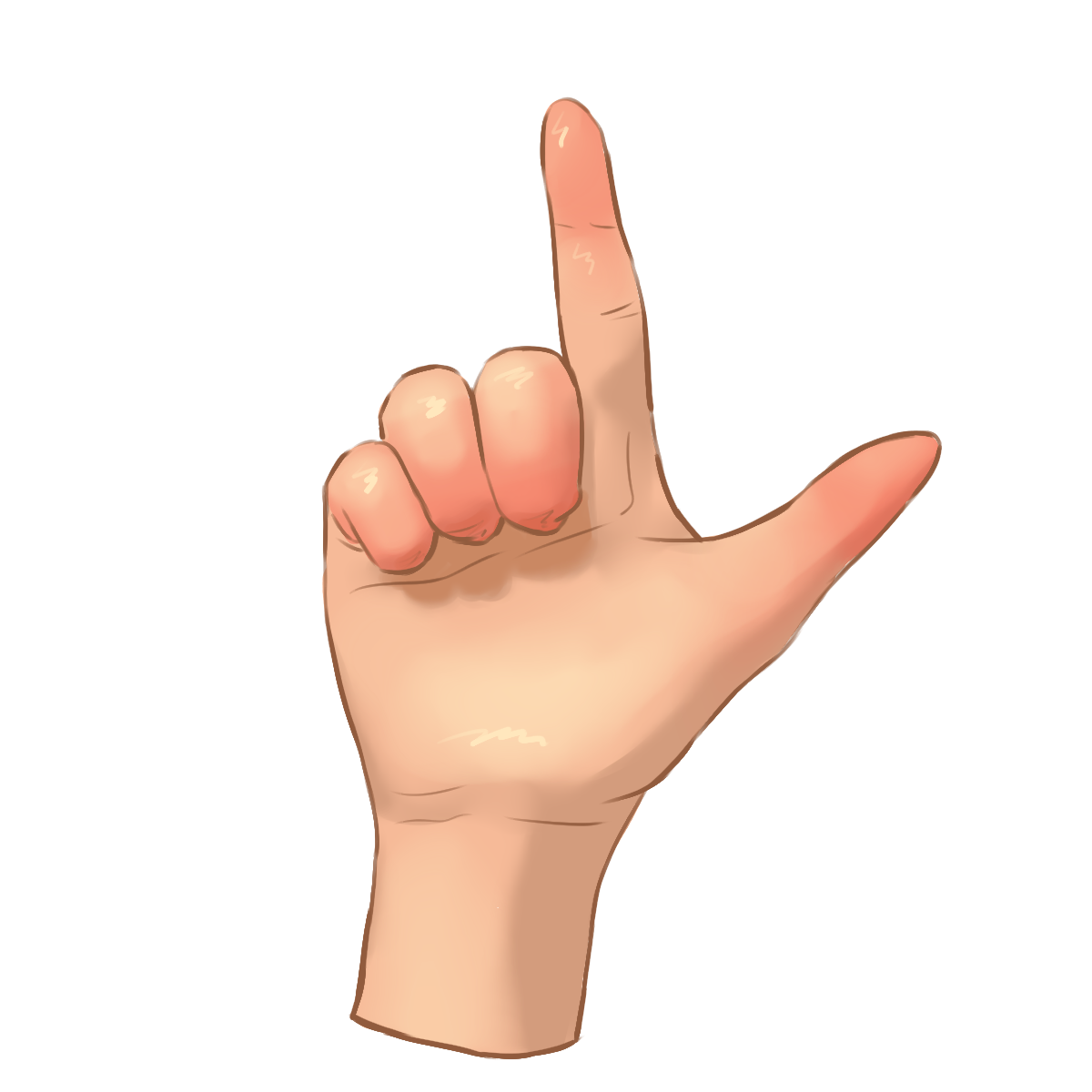


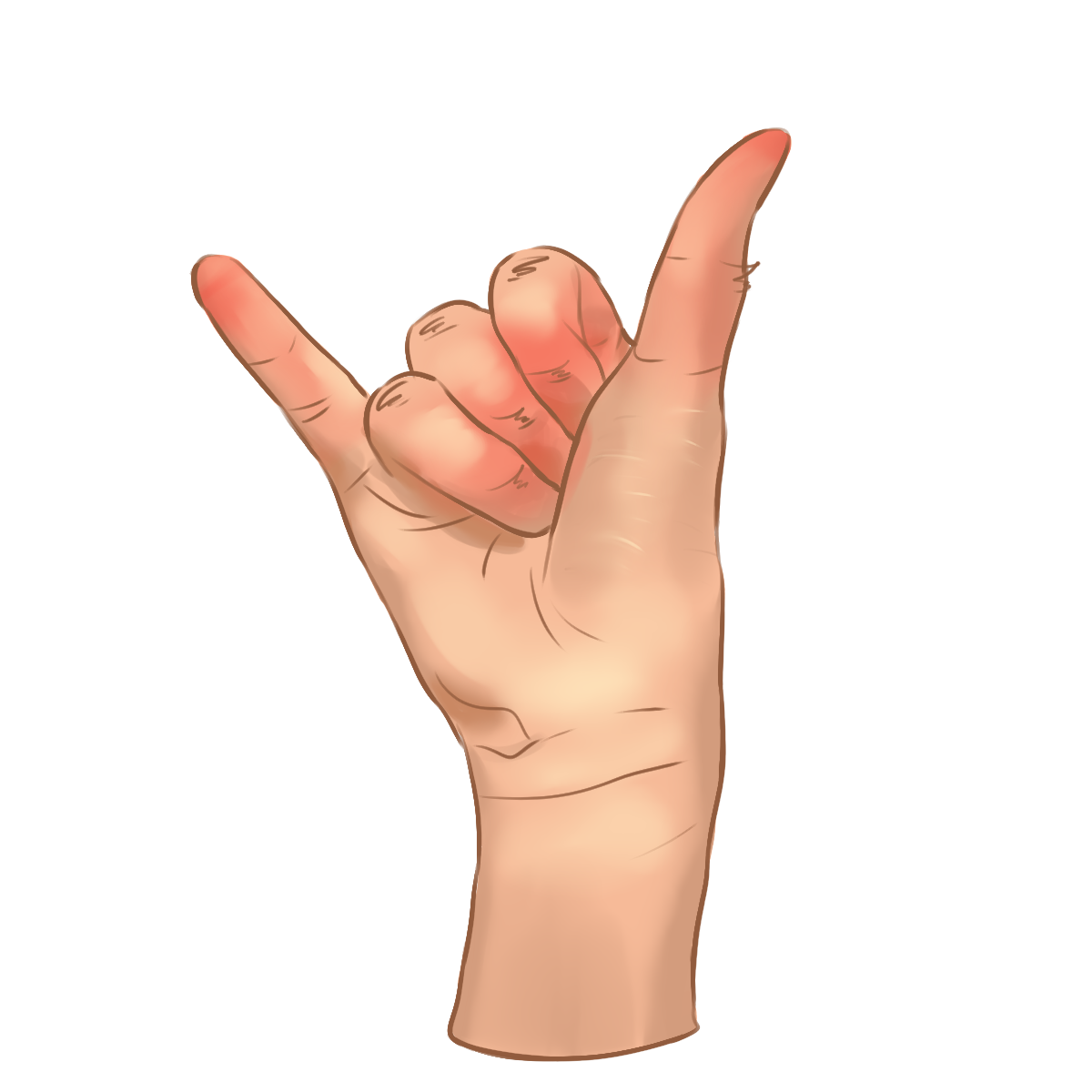
gesture 1 gesture 2 gesture 3 gesture 4

ABOUT HANDIGO

Handigo is a gesture-based computer control system developed as a thesis project. The application enables users to interact with desktop and laptop computers hands-free, serving as an alternative to traditional input devices such as a mouse and keyboard.

Using a standard webcam, Handigo detects and interprets hand gestures in real time and converts them into corresponding system commands. The system is designed to promote touchless interaction, improved accessibility, and enhanced user comfort.

Installation Guide & Requirements

System Requirements

To ensure that HandiGo runs smoothly and performs accurate gesture detection, your system should meet the following minimum requirements.

  • Operating System: Windows 7, Windows 10, or Windows 11
  • Processor: Intel Core i5 or equivalent
  • Memory: 8 GB RAM
  • Graphics: GPU recommended for better performance
  • Storage: At least 3 GB of available disk space
  • Camera: Built-in or external webcam required

Installation Guide

HandiGo is designed for Windows desktops and laptops with a standard webcam. Follow the steps below to install and start using HandiGo.

  • Download the installer and run it
  • Ensure your webcam is connected and accessible
  • Follow the on-screen instructions to complete installation
  • Start controlling your computer with gestures immediately

Note: Make sure you understand the guidelines and system requirements before installing HandiGo.

Installation

⚠ Please check the box above to enable installation.